
WordPress & Web Development Articles
From beginner fundamentals to advanced architecture, discover step-by-step guides, screencasts, and code snippets.
How to manage post options in Frontend Dashboard
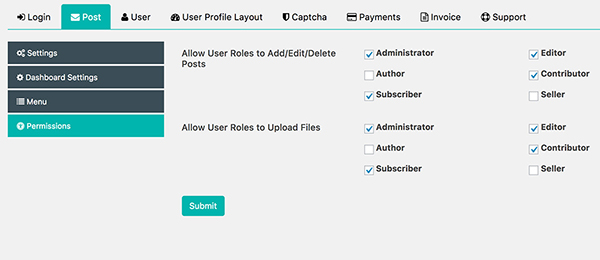
In this post, we going to see how to manage post options in frontend dashboard like Changing new post status Navigate to Frontend Dashboard | Frontend Dashboard | Post | Settings Change the new post status to either pending or publish Disables options Navigate to Frontend Dashboard | Frontend Dashboard | Post | Dashboard Settings Check the appropriate options to disable the post options in Frontend Dashboard Customise menu title and icons Navigate to Frontend Dashboard | Frontend Dashboard | Post | Menu Change the Menu name, menu position and Icon. Post and image permission Navigate to Frontend Dashboard | Frontend Dashboard | Post | Permissions Select the user roles to enable to post and unselect the user roles to disable to post in frontend dashboard Similarly for Allow User Roles to Upload Files.
How to customise the layout colours in Frontend Dashboard
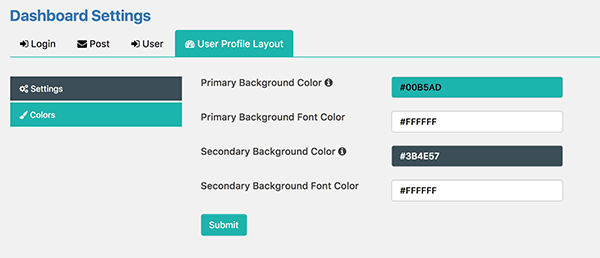
How to change/customise the Frontend Dashboard layout colours, here we have four sections like Primary Background Color, Primary Background Font Color, Secondary Background Color, Secondary Font Color. Login to the Admin Dashboard Please go to Frontend Dashboard | Frontend Dashboard | User Profile Layout | Colours Customise the Primary and Secondary Background colour Customise the Primary and Secondary Font colour. Save the settings.
How new user can select user role on registration
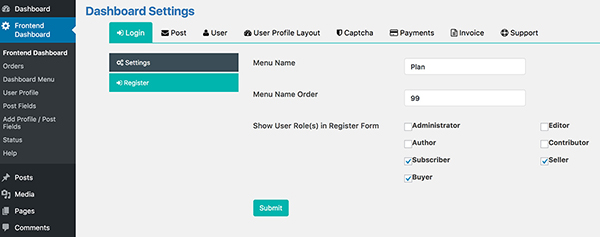
Frontend Dashboard | Frontend Dashboard | Login | Register Select the Show User Role(s) in Register Form user roles to be shown on the registration form. Click submit. Now you can able to see the selected user role on the Registration page.
How to create a page for Users, based on their User Role
Create a new page, Pages | Add New Add fed_user role=user_role] in the content area, the user_role may be a default or custom user role, eg subscriber, editor. Change the Page Attributes | Template | to FED Dashboard Click Publish Now you can have that particular user role page in that created page URL.
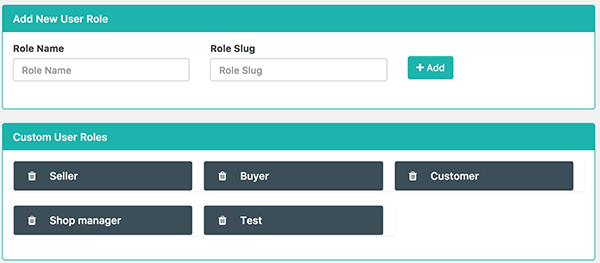
How to Create Custom User Role in Frontend Dashboard WordPress Plugin
Navigate to Frontend Dashboard | Frontend Dashboard | User | Add/Delete Custom Role Enter the Role Name and press tab to generate the Role slug automatically. Click Add.
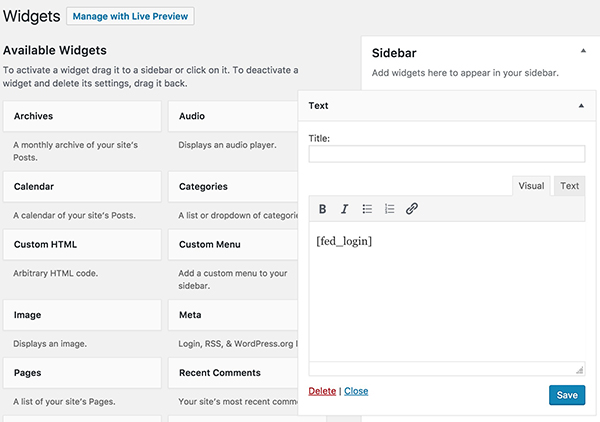
How to set Widget for Frontend Dashboard WordPress plugin
Navigate to Appearance | Widgets Add the “Text Widget†to the appropriate location. Add shortcode [fed_login] in to the textarea. Save the settings.
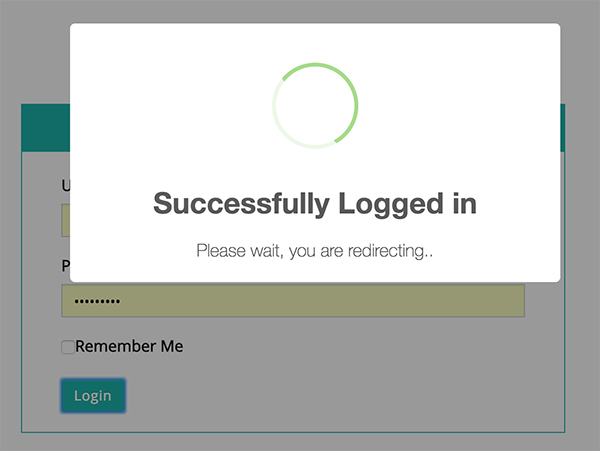
How to set Redirect on Login for Frontend Dashboard WordPress plugin
Navigate to Frontend Dashboard | Frontend Dashboard | Login | Settings Change the Redirect After Logged in URL to your desired page. Change the Redirect After Logged out URL to your desired page. Save the settings.
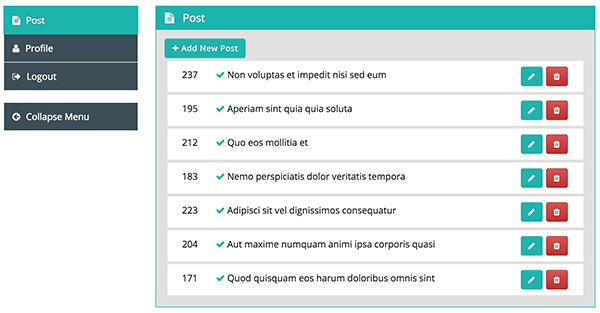
How to create Dashboard for Frontend Dashboard WordPress plugin
First, we need to create a new page for the custom dashboard. Please go to Admin Dashboard | Pages | Add New Pages Give appropriate title Add shortcode in content area [fed_dashboard] Change Page Attributes Template to FED Dashboard [In Right Column] Publish the page. Navigate to Frontend Dashboard | Frontend Dashboard | Login | Settings Change the Dashboard Page URL to the newly created custom login page. Save the settings.
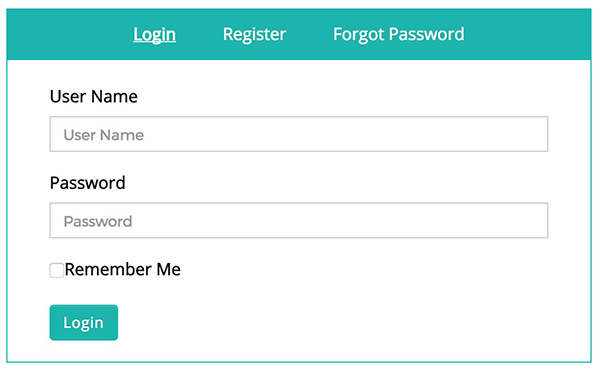
How to create custom login for Frontend Dashboard WordPress Plugin
This post will help you to create all in one login page, which includes [login, register, forgot password] First, we need to create a new page for custom login. Please go to Admin Dashboard | Pages | Add New Pages Give appropriate title Add shortcode in content area [fed_login] Change Page Attributes Template to FED Login [In Right Column] Publish the page. Navigate to Frontend Dashboard | Frontend Dashboard | Login | Settings Change the Login Page URL to the newly created custom login page. Save the settings.